Resistor configurator
See how complex resistor systems can be configured, calculated, and documented automatically
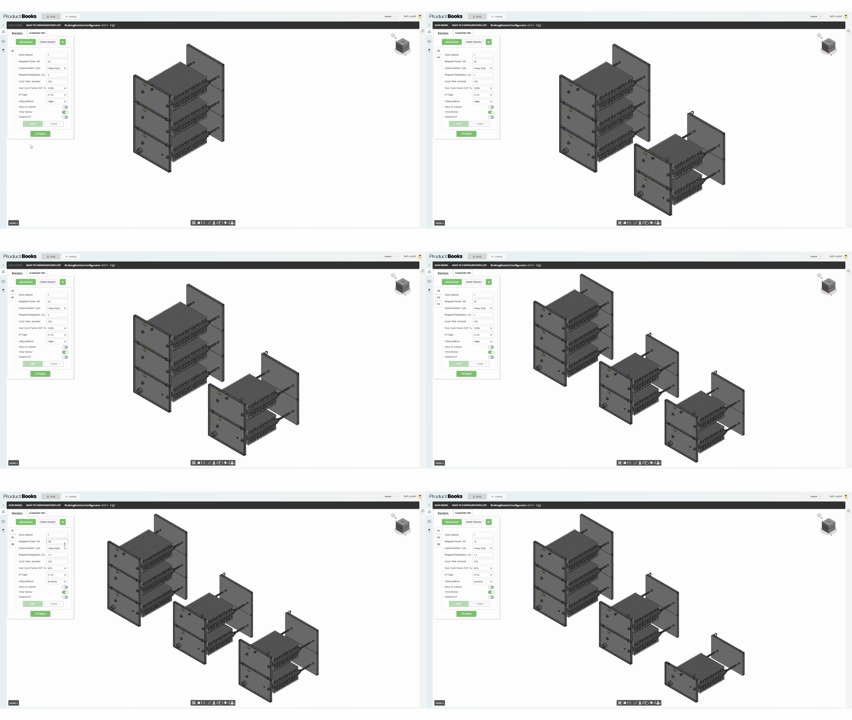
Step 1 — Multiple resistors in one project
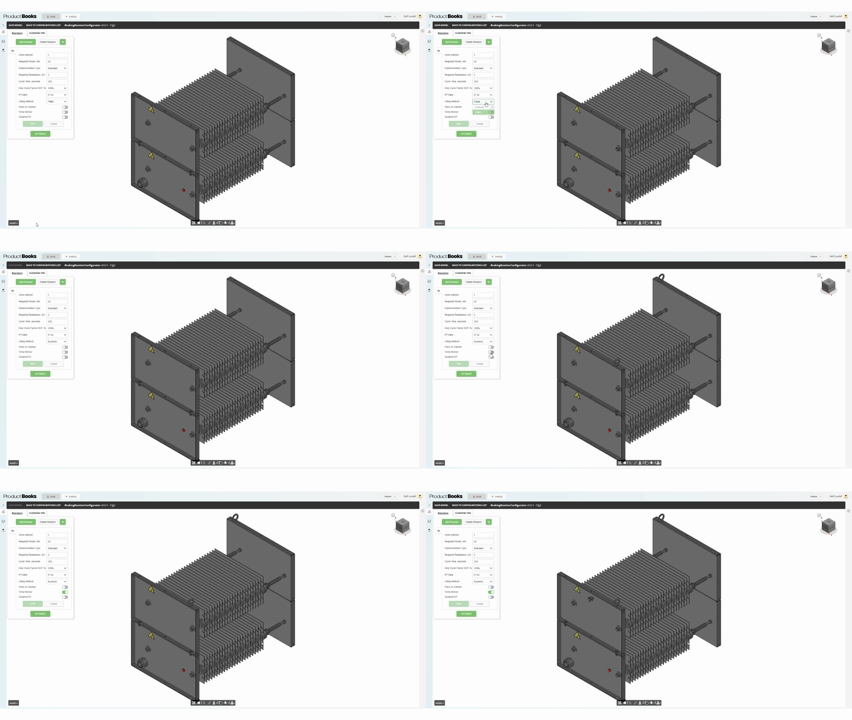
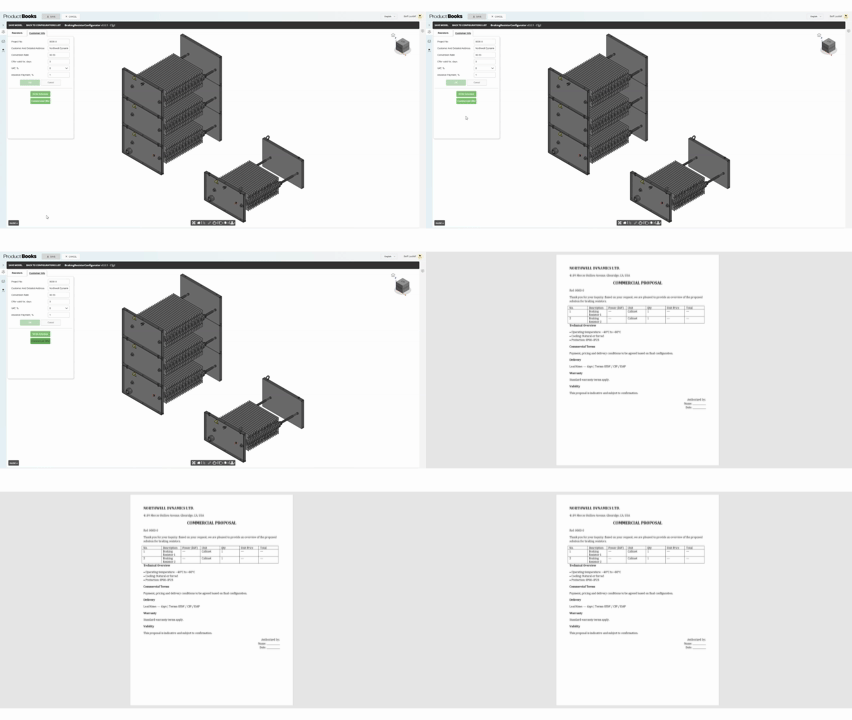
You can create and manage multiple resistor configurations within a single project environment. This allows you to compare different options and prepare several variants at once.
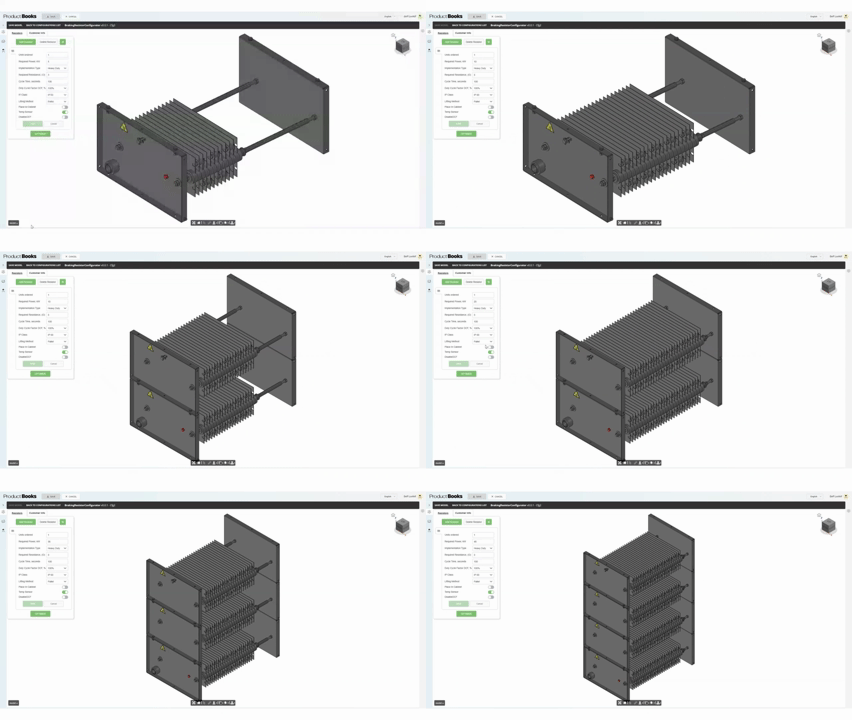
Step 2 — Power-driven structure update
Changing the resistor power dynamically updates the product structure. As the power increases, the system automatically adds plates and adjusts the assembly.
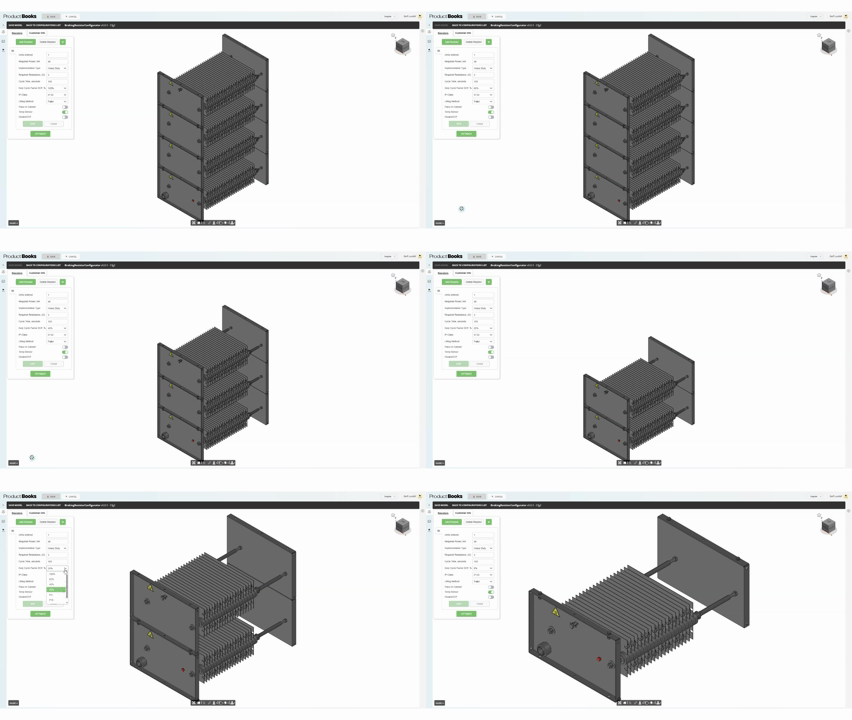
Step 3 — Duty cycle optimization
Reducing the duty cycle simplifies the resistor design. The system recalculates the required number of components and optimizes the structure automatically.
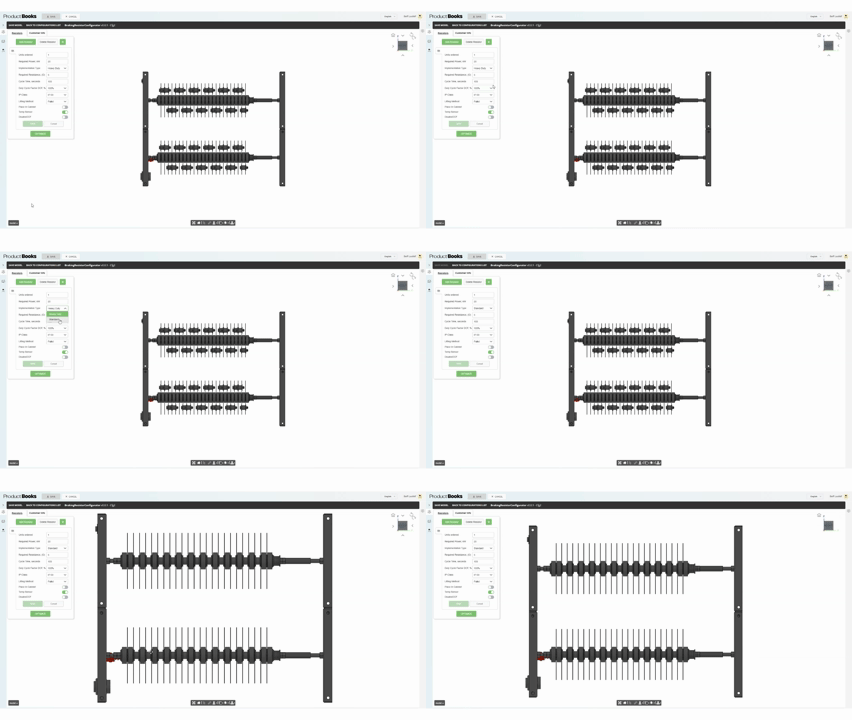
Step 4 — Implementation type selection
Switching between heavy duty and standard execution updates the design according to predefined engineering rules and requirements.
Step 5 — Product options configuration
Additional options such as loading method and temperature sensors can be configured instantly with automatic updates to the model.
Step 6 — Protection level and enclosure
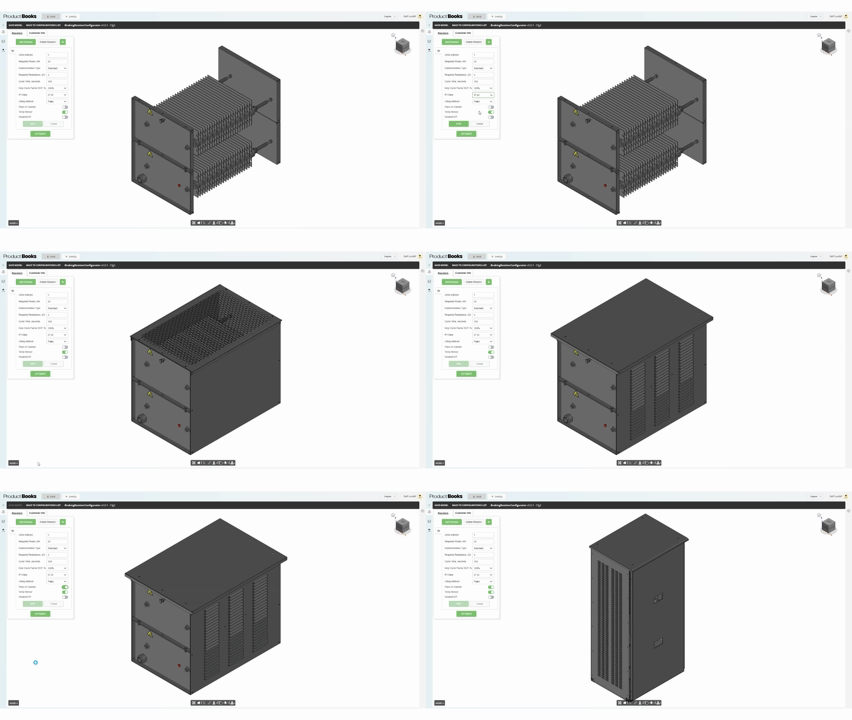
Changing the IP protection level modifies the product design and adds the necessary structural elements based on the selected protection class.
Step 7 — Automatically generated drawings
Technical drawings are generated instantly, including multiple projections and views, ready for engineering use.

Step 8 — Bill of materials generation
All components, quantities, and pricing are calculated automatically based on the selected configuration.

Step 9 — Commercial offer generation
A complete commercial offer is generated automatically and is ready to be sent to the customer.
Could a similar approach work for your product?
Use your own quote volume, preparation time and team costs to estimate potential savings, or discuss your requirements with us.